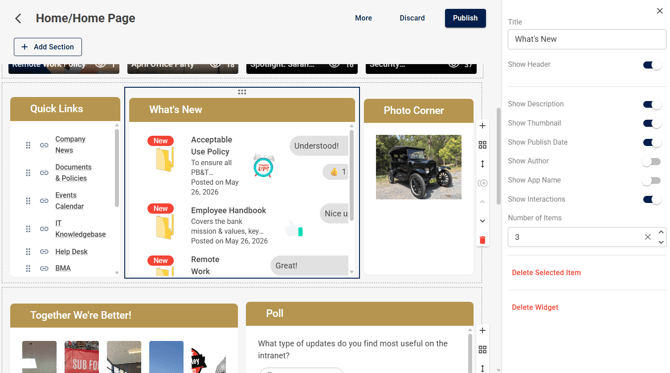
This is a great way to show your employees new items that have been recently published on the intranet. Only items which have been advertised will appear in this widget. When publishing content, you'll have the option to Promote to the What's New feed widget.
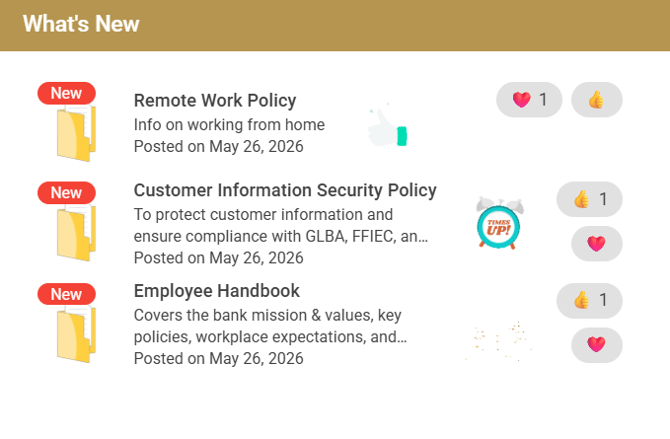
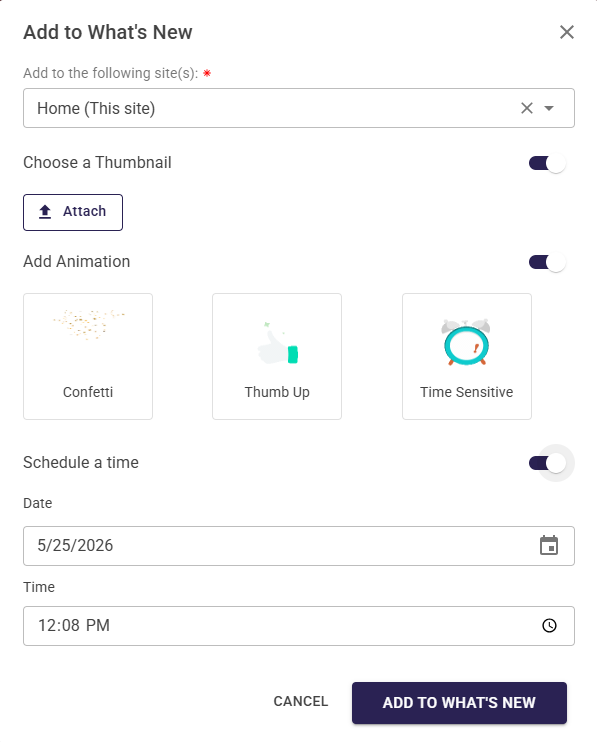
When promoting content to the What's New feed widget, you can add and Animation, or choose a Thumbnail you want displayed, you'll be able to select these options when you are prompted to add to the widget when you publish content.
You can choose to Promote to the What's New feed immediately, or you can schedule a time in the future.
In order to display emoji reactions on content in the What's New feed widget, you'll need to have this set up in each app's settings. Turn on Emoji Reactions and add the specific emojis you want to let your users react to. To add emoji, you will need to copy paste the emojis from a site like GetEmoji.
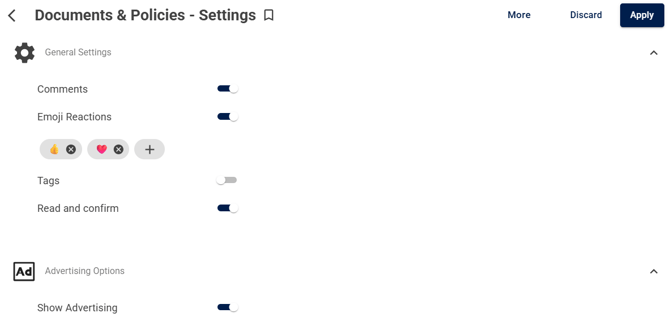
When comments are enabled, when users leave comments on content, the What's New feed will also display a preview of the comments that have been left.
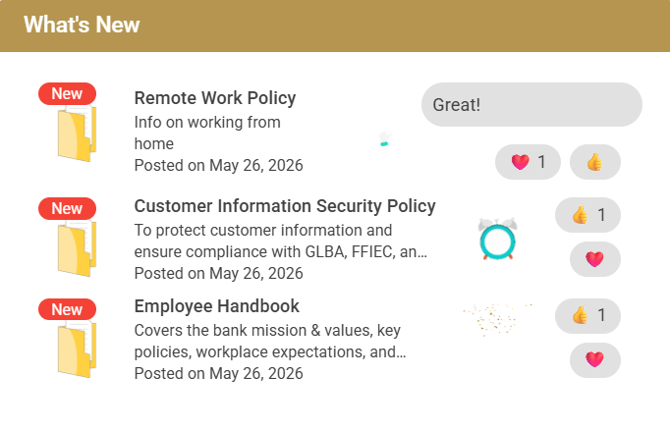
You can also manage what information is displayed in the widget, according to your needs. You have the options to display or hide:
- Description
- Thumbnail
- Publish Date
- Author
- App Name
- Interactions (this needs to be on to display emoji reactions and comments in the widget)
- Number of items displayed at a time