Skip to content
  • There are no suggestions because the search field is empty.

IC 3.0 Manage & Create New Apps

Manage and Create New Apps

Add App to existing Site

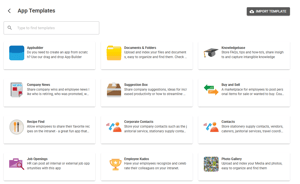
Site > See Apps > Create App from template
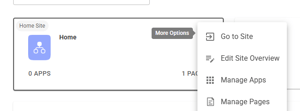


To edit titles, description, icons, add new app and click on the dots which indicates more options

To edit titles, description, icons, go to apps in admin mode, and click on the dots which indicates more options


Click on Edit Title, Desc & Image


Edit and save

Edit and save


Click App > Edit Configuration to allow you drag and drop to add new fields, change orders. You can also delete fields, change layout etc.

You can drag and drop to add new fields, change orders. You can also delete fields, change layout etc.