
To add the Message Widget:
Edit Current Page > Add Section > Add Message Box Widget
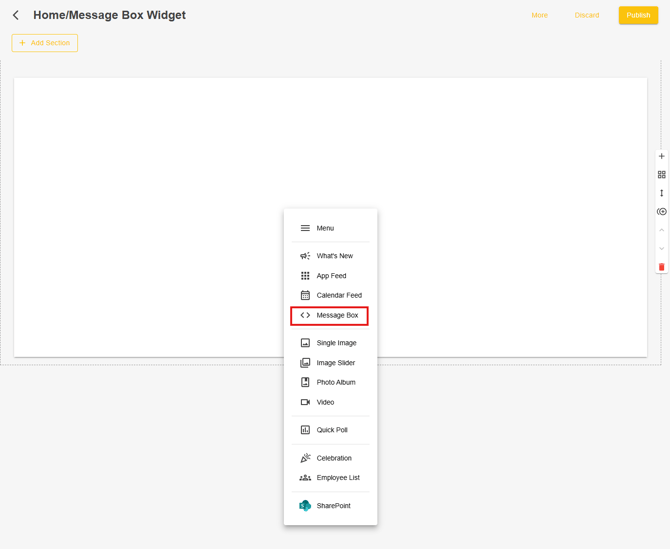
Configure the Employee List Widget
- Enter a Title for the widget.
- Choose whether to Show Header.
- Under Content, select either Custom or AI Auto Renew for the message box you would like to display.
- Custom
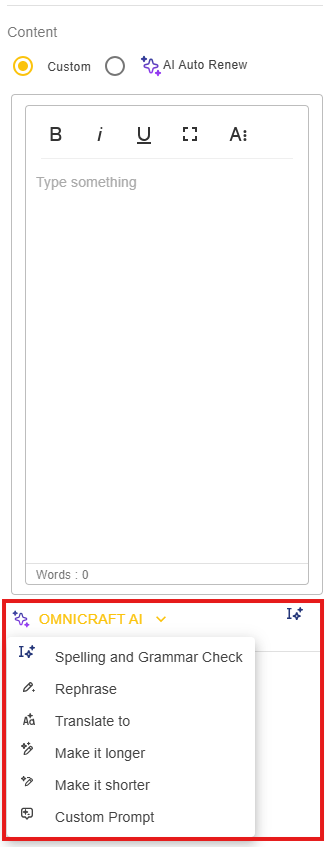
- Enter in any custom text or message you want. OMNICRAFT AI is available to assist with Spellcheck and various AI assist options:
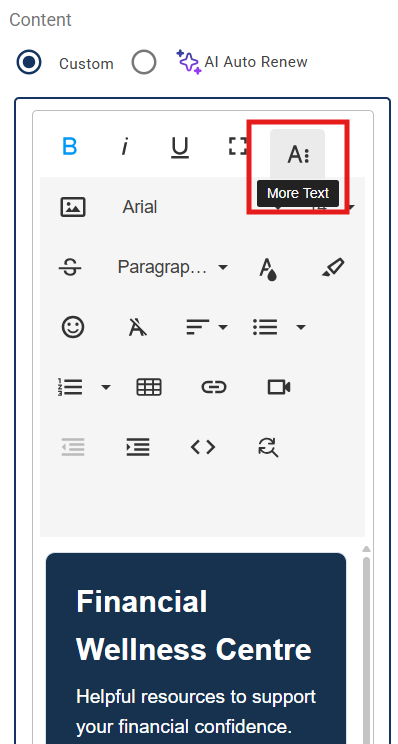
- Clicking on the A icon will provide additional formatting options as well as the ability to add Tables, Links and Videos:
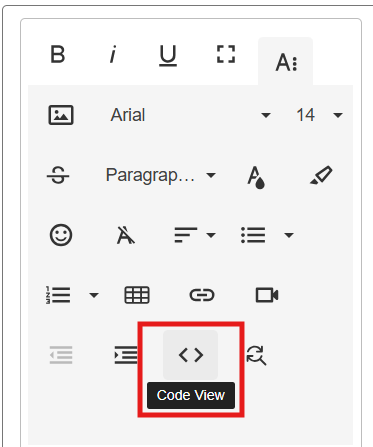
- The Code View button is especially powerful as it will allow you to add HTML code, with the ability to render images and menus with tabs.
- Enter in any custom text or message you want. OMNICRAFT AI is available to assist with Spellcheck and various AI assist options:
- AI Auto Renew
- Using AI you can enter a prompt to generate content, selecting the frequency it will renew and duration.
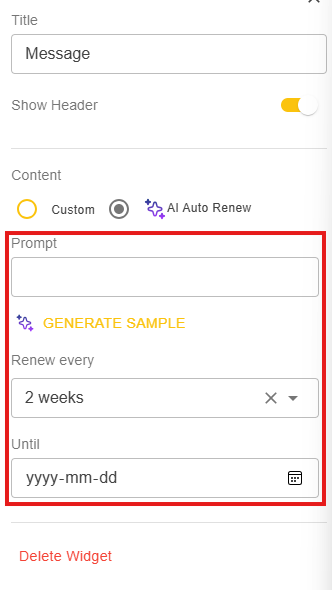
- Using AI you can enter a prompt to generate content, selecting the frequency it will renew and duration.
- Custom