
To access advertising settings, go into App Settings, enable the "Show Advertising" option, and press Apply.
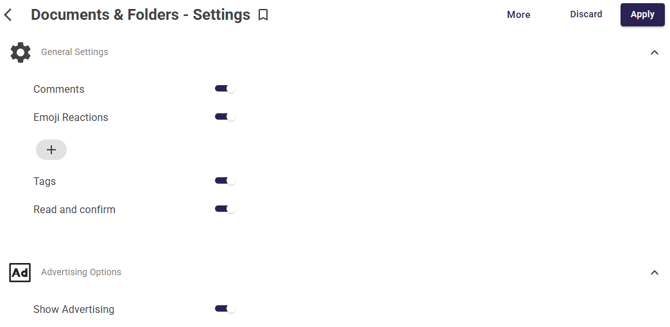
With this setting enabled, you can choose to Promote content at the time of publishing or afterwards.
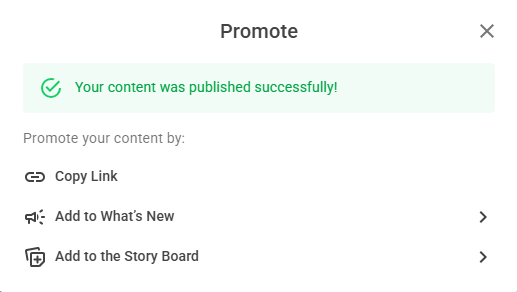
At the time of publishing, after pressing Publish, you'll see a the option to Promote:
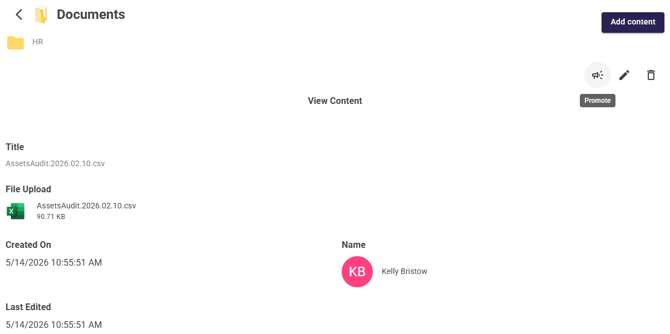
To Promote after publishing, go into the specific item's Details and click the Promote button:
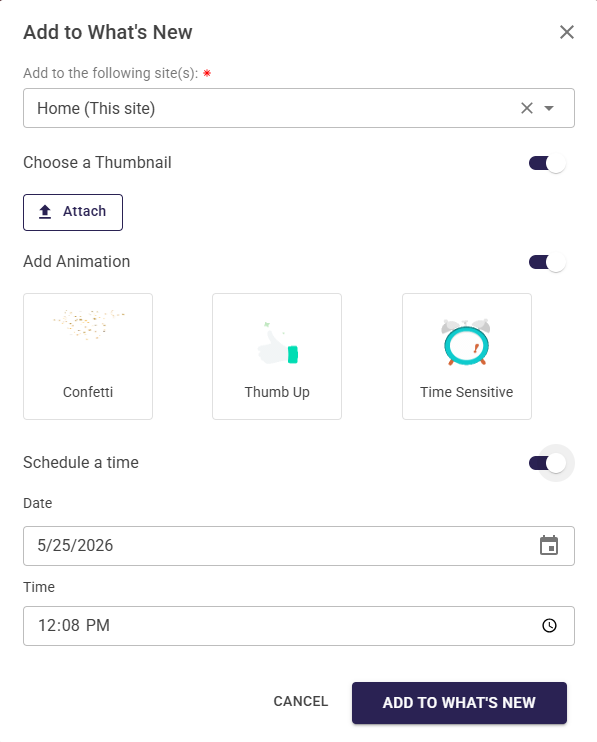
Add to the What's New feed widget
To add to the What's New feed widget, select the site you want to Promote to. You also have options to choose a thumbnail, add an animation, or schedule it for a future date.
Content displayed in the What's New feed widget:
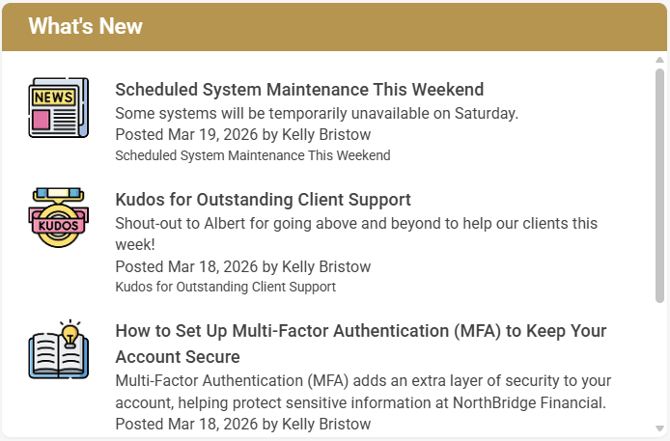
Click here to learn about the full functionalities of the What's New feed widget.
Add to the Story Board
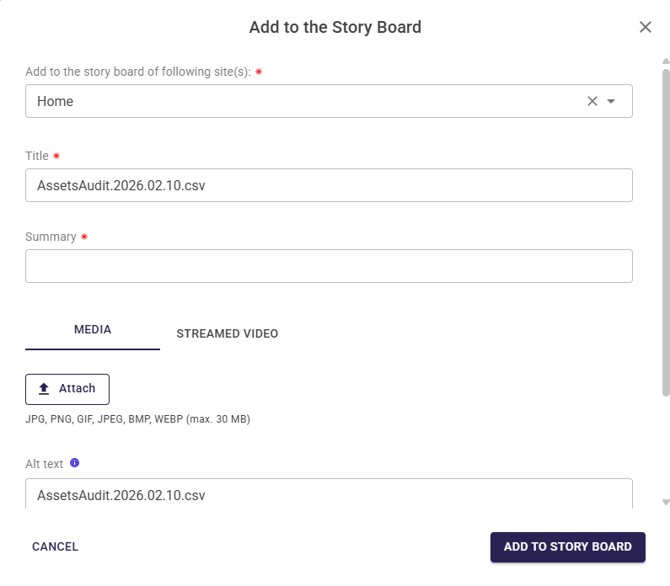
To add to the Story Board, select the site you want the Story Board to be promoted to, enter a title and summary, and an image or video which you want displayed in the Story. You can also choose to schedule the Story for a future date.
Content displayed in the Storyboard:
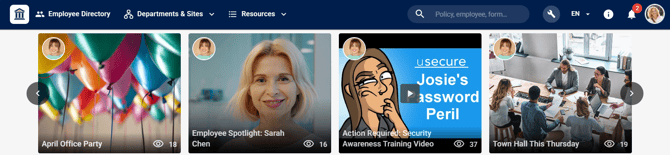
Click here to understand the full functionality of the Story Board feature.