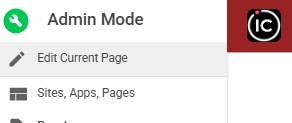
1. Click on admin

2. Click Edit Current Page
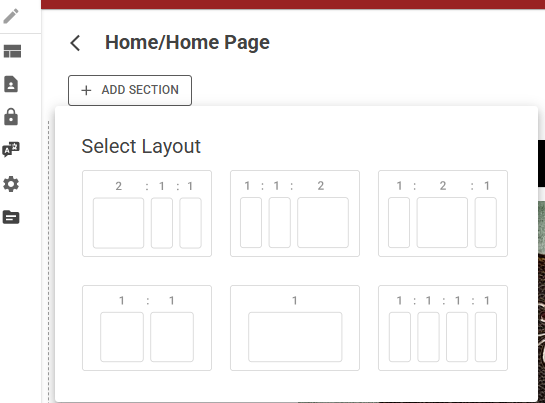
3. Add Section to select Widget layout
Widgets are displayed on a page in frames of rows and columns. Each row frame in the main page area can hold 1, 2, or 3 widgets, as shown in the image below through a preset display of layout options
You can move a widget on a page anywhere that a frame exists.
You can rearrange the order of rows, add new rows above or below an existing row, or delete a row.
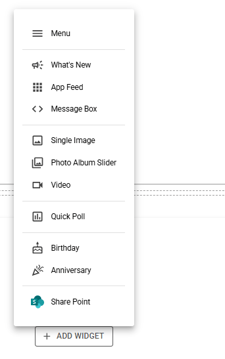
4. Click Add Widget and select widget type
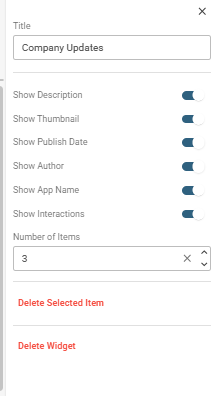
5. Widget customization available on the right panel
Each Widget has various options available for customization
Click on your widget frame and explore the available options on the right panel: