Employee Directory Views
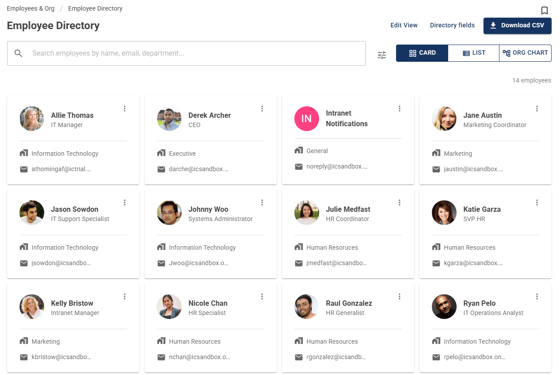
Card View
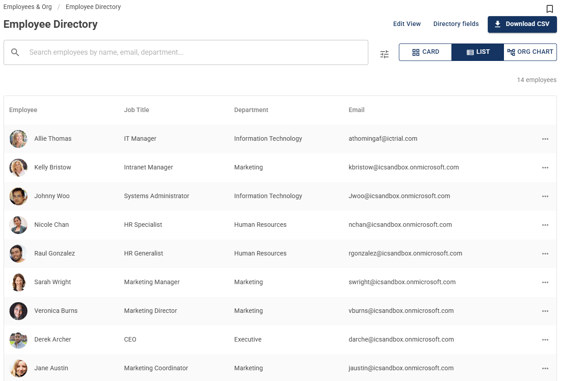
List View
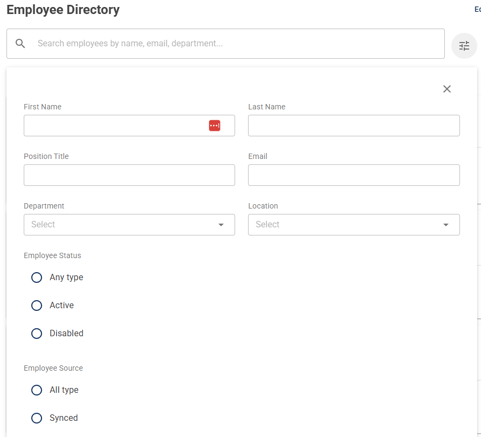
Search and filter by name, email, department, locations, etc
Org Chart
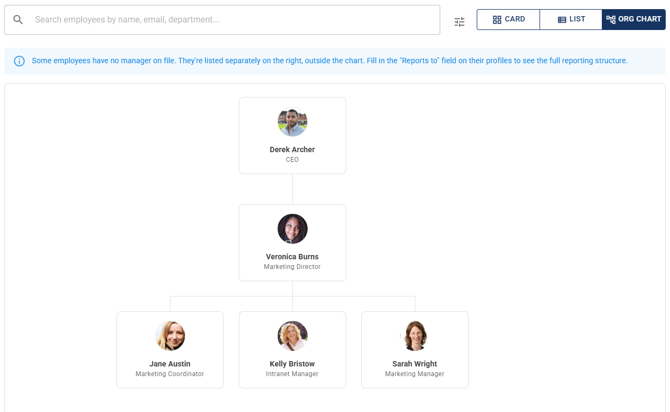
The Org Chart draws your reporting structure as a tree, built from your existing Reports To data. Each employee appears as a card with their photo, name, and job title, connected to their manager. Click any card to jump to that person's profile, and scroll and zoom to navigate larger organizations. Employees without an assigned manager appear as their own root-level cards, and the chart shows active employees only, consistent with the other views.
Add Custom Fields
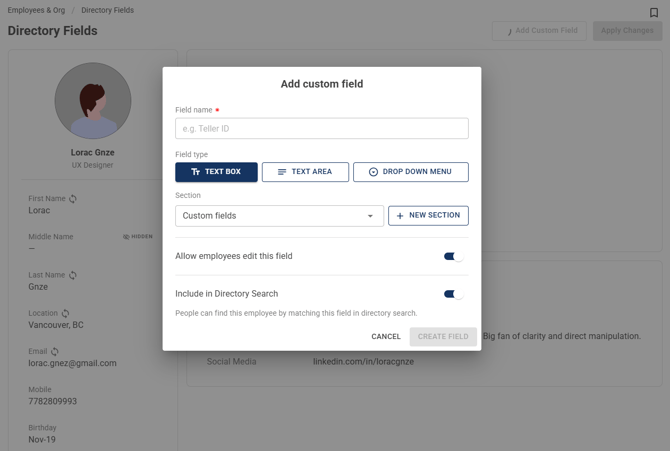
If there are additional fields you'd like to add to an employee's profile in the directory, use Custom Fields to add.
Manage Which Fields Employees Can Edit
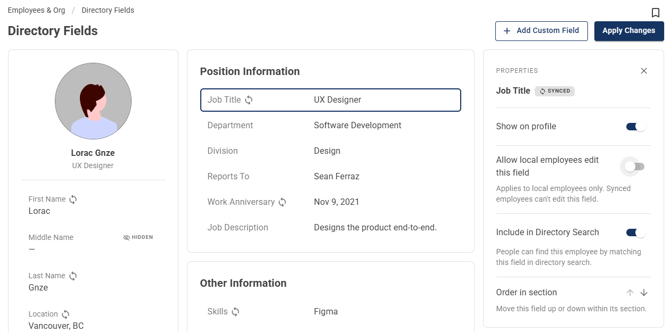
Toggle the "Allow local employees to edit this field" setting on or off to allow or prevent employees from editing the field on their profiles.
Download CSV
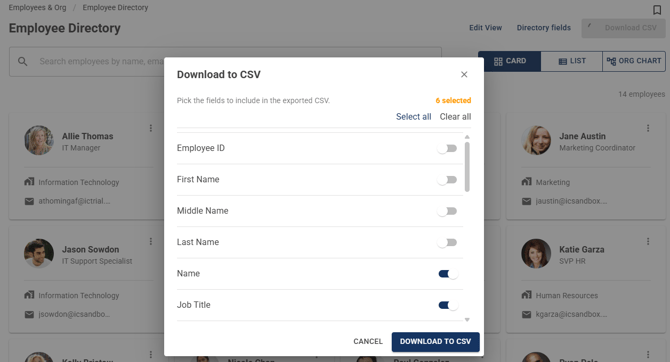
Click on "Download CSV" to export the employee directory via CSV. Pick the fields to include in the exported CSV from the popup.