Step by Step
1. Go to admin mode by clicking on the wrench icon top right

2. Click on Security & Permissions

3. Click on Logins

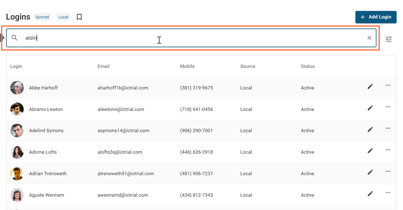
4. Find an account: scrolling or search by name/email
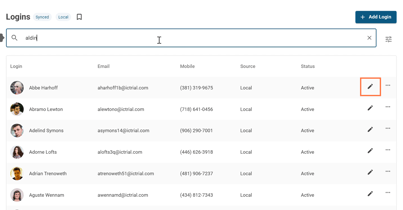
5. Click on the edit pencil button
6. Click on ROLES

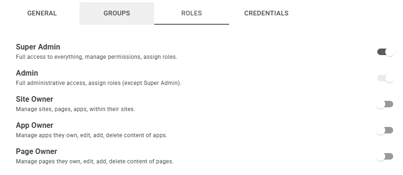
7. Toggle user roles to assign